Module 1 — Fact Finding
Academique integrates research and report/thesis writing through the entire journey—from identifying a research topic to references, literature review and proposal writing—so you can focus on what really matters: producing high-quality research. Identify your research area, explore themes, and focus your study. Academique turns broad ideas into a defined research topic. The Features and Help are arranged in the order that they are used.
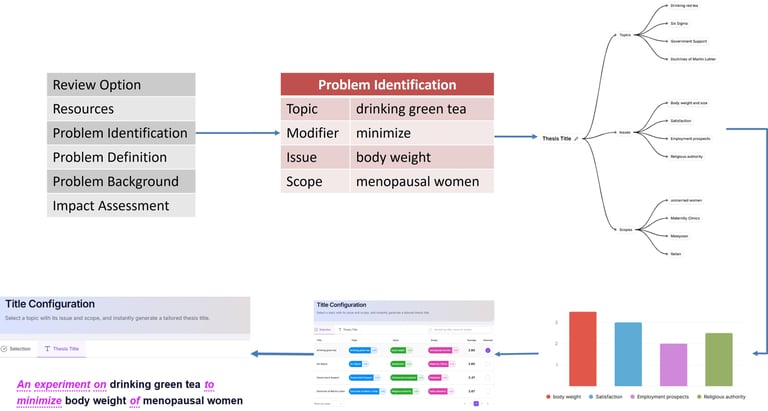
Overview of Fact Finding
Academique has an elegant way to identify a topic of interest for students through Fact Finding.
Generate Ideas
Problem Identification
Mind Map of Ideas
Evaluation of Feasibility
Ranking of Ideas
Selection of Study Title
FEATURES (Problem Identification)
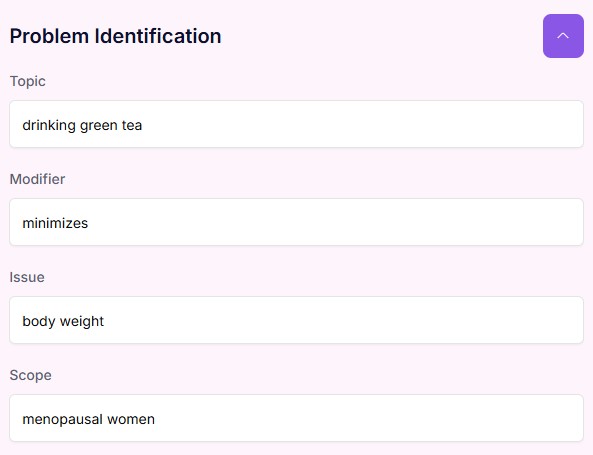
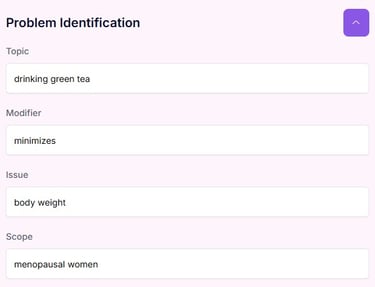
This initial fact-finding phase initiates your study by eliciting core dilemmas and gathering viable choices of potential studies, laying the groundwork for systematic evaluation within the platform.
HELP (Problem Identification)
Purpose: Define a clear and researchable focus using Topic, Issue, and Scope.
Action: Enter a precise Topic, identify a real Issue, and define the Scope. Deliberate on your choices. Use short, focused phrases.
Outcome: A narrowed research direction and draft problem definition.
Next Step: Proceed to Mind Map to organise themes and sub-themes.
FEATURES (Mind Map TIS)
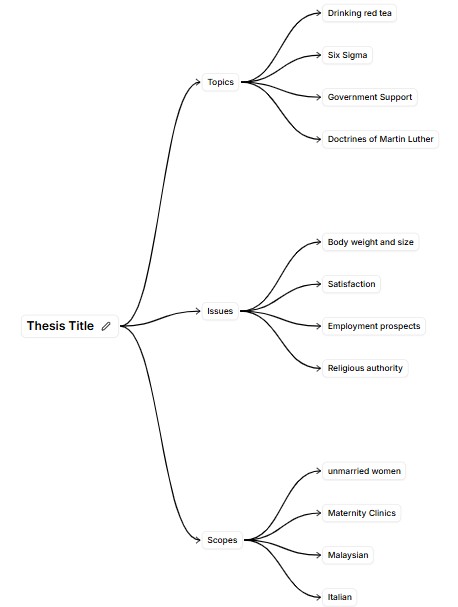
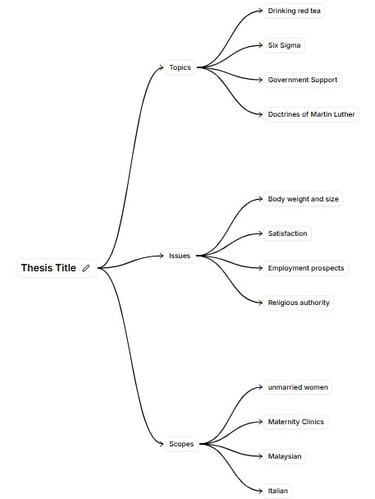
This interactive visual node directory populates automatically after selecting potential studies, mapping out your ideas to display how different topics, issues, and specific content modules interconnect.
HELP (Mind Map TIS)
Purpose: Organise your research focus visually into structured themes.
Action: Create main themes and sub-themes linked to your Topic, Issue, and Scope.
Outcome: A clear framework to guide your research structure.
Next Step: Proceed to Topic, Issue, Scope to refine focus.
FEATURES (Topic, Issue, Scope)
This analytical criteria feature evaluates each mind map idea by measuring its subject focus, core dilemma, and structural boundaries to ensure the problem is thoroughly defined.
HELP (Topic, Issue, Scope)
Purpose: Assess the feasibility of each Topic, Issue, and Scope using objective criteria.
Action: Enter numerical values for overall ranking of feasibility.
Outcome: A clear focus of the area for research direction according to feasibility.
Next Step: Move to Thesis Setup.
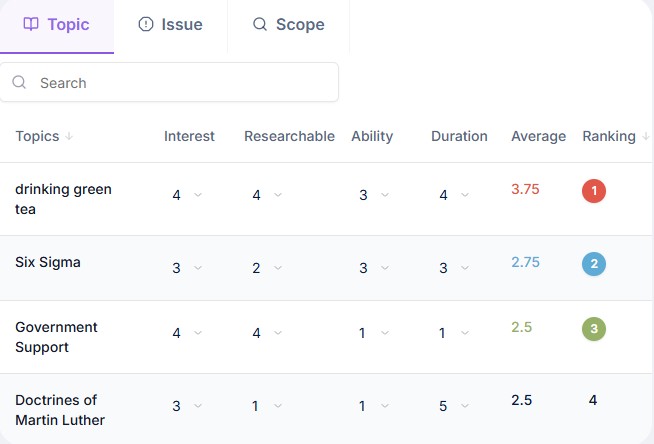
FEATURES (TIS Evaluation Chart)
This evaluative matrix scores and ranks potential studies by measuring their subject focus, core dilemma, and structural boundaries, visually isolating the most viable concept for your finalized research topic.
HELP (TIS Evaluation Chart)
Purpose: Evaluate and compare different ideas based on subject, core dilemma, and boundaries.
Action: Score each concept across specific parameters within a standardized visual matrix.
Outcome: A ranked, data-driven ranking identifies the most viable research topic.
Next Step: Move to Thesis Setup.
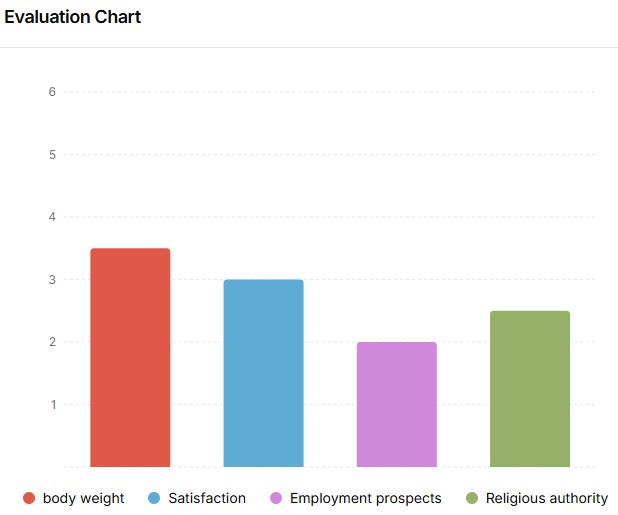
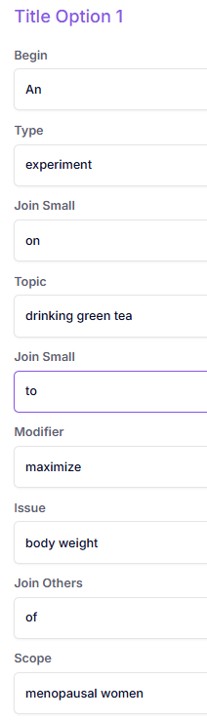
FEATURES (Thesis Setup)
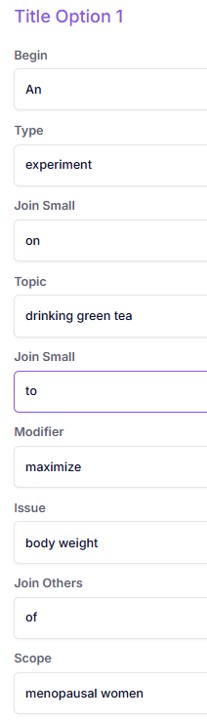
This central initialization portal anchors your chosen research foundation, transforming your selected core idea into a formalized framework ready for comprehensive title configuration and parameter definition.
HELP (Thesis Setup)
Purpose: Provide keywords used in the construction of the study title.
Action: Available options to synthesize the title using the drop down actions.
Outcome: A suitable thesis title that describes the study.
Next Step: Move to Title Cofiguration: Selection.
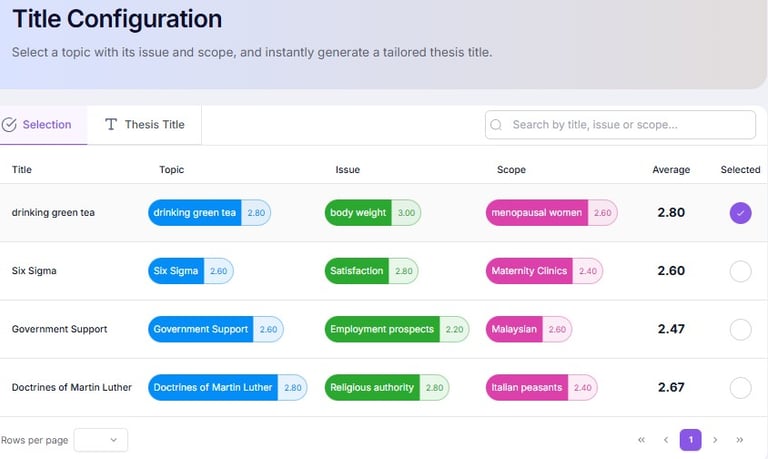
FEATURES (Title Configuration: Selection)
This ranking module grades your evaluated concepts, helping you compare and choose the highest-scoring, best-suited idea from your mind map to solidify your core research focus.
HELP (Title Configuration: Selection)
Purpose: Select the best research area and develop a precise and academic research title.
Action: Construct the thesis title wording to reflect the research topic, issue, and scope.
Outcome: Selection of a clear, researchable project title.
Next Step: Continue to General Aims.
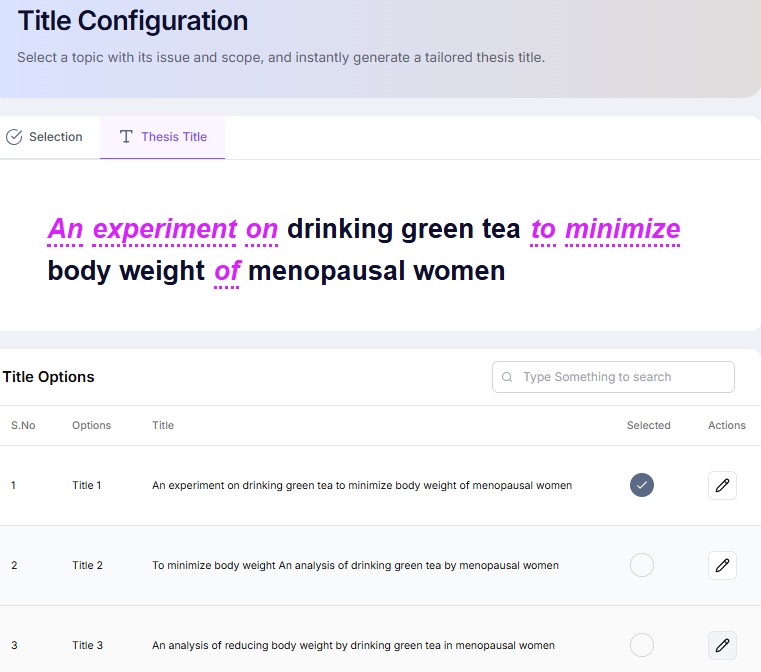
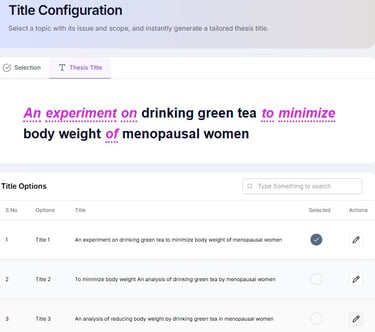
FEATURES (Title Configuration: Thesis Title)
This structural formatting tool guides you to configure your definitive thesis title, perfectly balancing your chosen research topic with your study’s core issues and explicit analytical boundaries.
HELP (Title Configuration: Thesis Title)
Purpose: Establish the structural foundation of your project.
Action: Select project type and basic academic configuration.
Outcome: A structured research template aligned to your academic level.
Next Step: Proceed to Title Configuration.
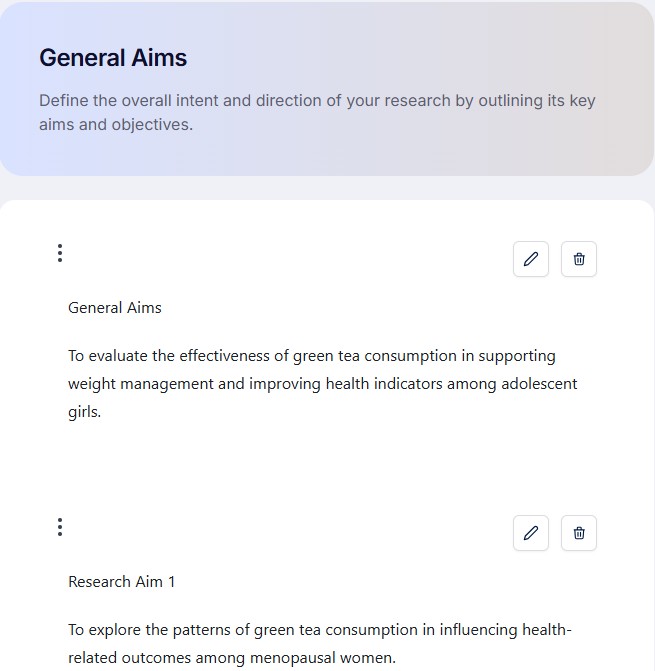
FEATURES (General Aims)
This high-level feature helps you formulate the broad, long-term purpose of your study, declaring exactly what your thesis intends to achieve at a macroscopic level upon completion.
HELP (General Aims)
Purpose: Define the broad purpose of your study.
Action: Write a clear statement describing what the study intends to achieve.
Outcome: A focused general aim.
Next Step: Move to General Objectives.
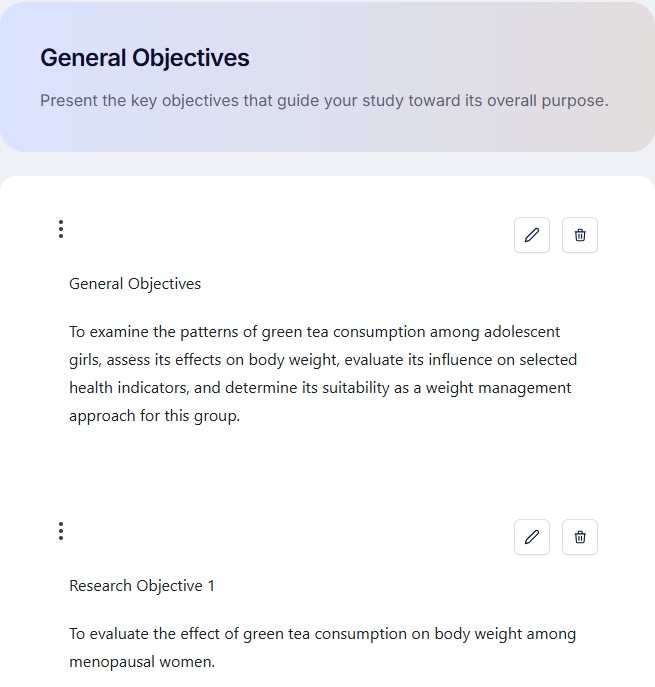
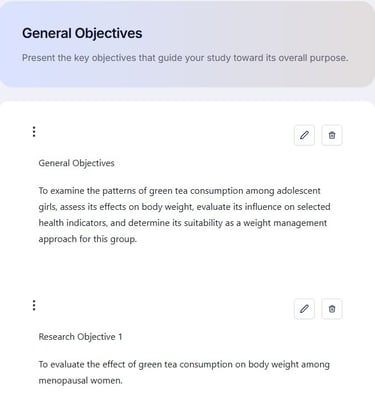
FEATURES (General Objectives)
This actionable mapping tool breaks down your general aims into specific, measurable tasks, establishing a clear, step-by-step methodology to practically execute and accomplish your research goals.
HELP (General Objectives)
Purpose: Break the aim into measurable components.
Action: List specific objectives that support the aim.
Outcome: Clear, actionable research objectives.
Next Step: Proceed to Reports.
FEATURES (Reports)
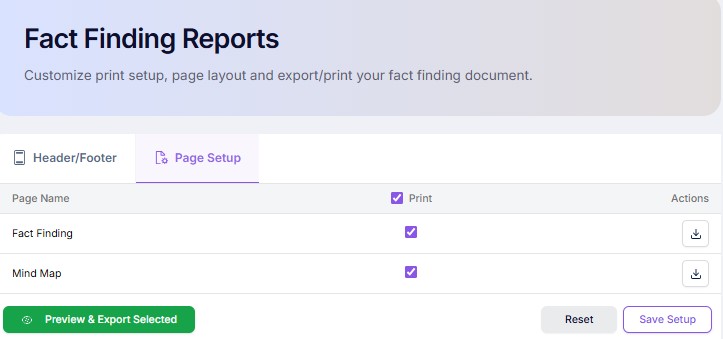
Select and preview contents that can be exported to Word with table of contents, list of tables, list of figures, bibliography.
HELP (Reports)
Purpose: Generate structured project outputs.
Action: Compile recorded content into formal report format.
Outcome: A formatted research report ready for review or submission.
Next Step: Move to Reference module or continue editing.