
Module 2 — Reference Management
How to use this module: Manage your reference source efficiently, with proper academic formatting, ensuring academic integrity and save time searching references and citations. Use Manage Sources and Boolean search strategies. Import references from Excel files. Export xml files of references.


Video Manual: References
The Video Manual: References gives a quick view of the features.
Features and Help
The FEATURES (explain the module elements) and HELP (how to use the module elements) are arranged in the order that they are used.
FEATURES (Overview of Reference)
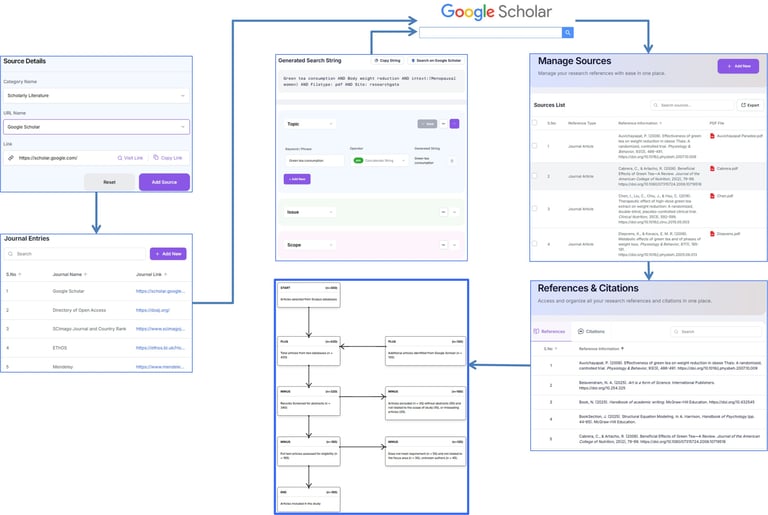
Academique has an elegant way to search for important articles related to the study.
Source Details
Search Source (Journal Entries)
Boolean Search String
Manage Sources
References & Citations
Select Sources
HELP (Overview of Reference)
Purpose: Search for pertinent academic articles related to the study.
Action: Use various methods available to systematically search for contemporary studies.
Outcome: A highly relevant articles for study.
Next Step: Search Sources: Source Details.
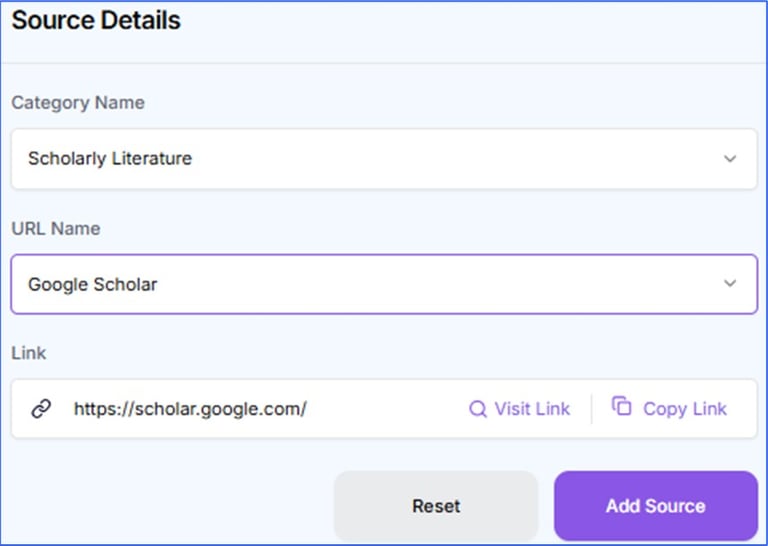
FEATURES (Search Sources: Source Details)
Search and select relevant journals, conference papers, books, reports, and other scholarly sources to support the literature review and research development.
HELP (Search Sources: Source Details)
Purpose: Locate scholarly articles related to your research gaps.
Action: Use keywords and Boolean operators across databases to find scholarly sources.
Outcome: A pool of sources relevant to each identified research gap.
Next Step: Search Sources: Journal Entries.
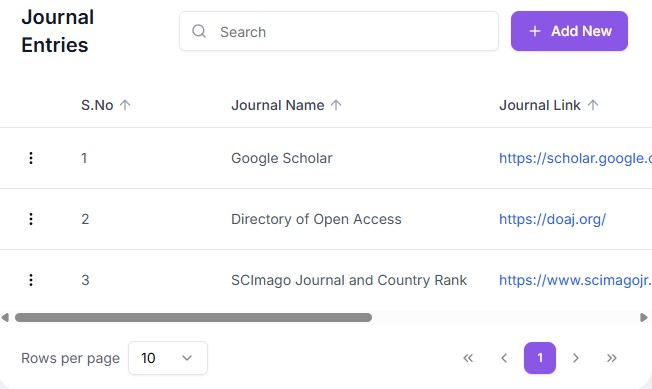
FEATURES (Search Sources: Journal Entries)
Save journal links that can be used to locate relevant journals, conference papers, books, reports, and other scholarly sources to support the literature review and research development.
HELP (Search Sources: Journal Entries)
Purpose: Locate relevant academic materials for your study.
Action: Save links to sites to find scholarly articles, books, or reports.
Outcome: A pool of potential research sources.
Next Step: Search String.


FEATURES (Search String)
This targeted query combines specialized keywords to build a precise, reproducible instruction that directs search engines to retrieve highly relevant journal articles while filtering out unwanted literature.
HELP (Search String)
Purpose: Construct structured search queries for databases.
Action: Combine keywords using AND/OR logic to broaden or narrow results.
Outcome: Precise and reusable academic search strings.
Next Step: Boolean Search String.
FEATURES (Boolean Search String)
This precision feature formats specialized keywords, operators, and constraints to build exhaustive, reproducible query strings that target exact journal topics while strictly limiting the search to your defined boundary.
HELP (Boolean Search String)
Purpose: Evaluate and compare different ideas based on topic, issue and scope boundaries.
Action: Construct Boolean search strings using the suggested approach.
Outcome: The most relevant articles are identified using a reproducible search string.
Next Step: Manage Sources.


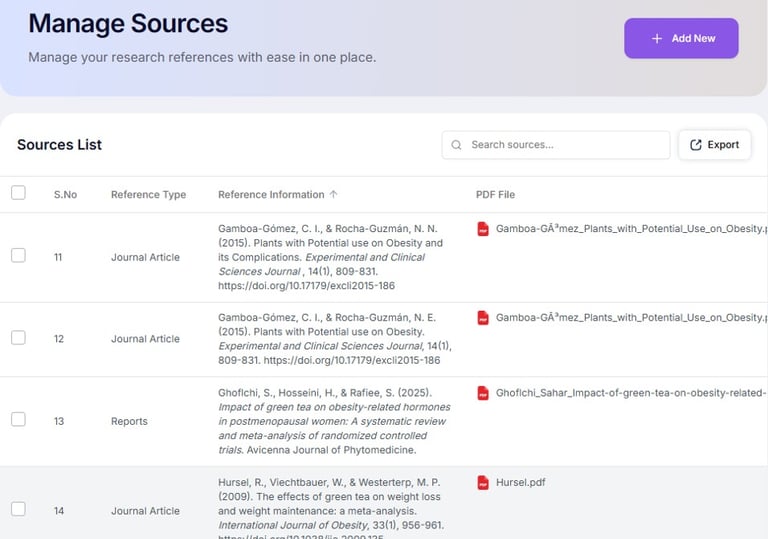
FEATURES (Manage Sources)
This tab collates reference sources relevant to the study with save full-text PDFs securely for systematic tracking during the review. Reference data xml can be exported.
HELP (Manage Sources)
Purpose: Organize and categorize selected references. Export xml list of References.
Action: Assign reference sources to themes or sections of your study.
Outcome: A structured and accessible reference library.
Next Step: Select Sources.
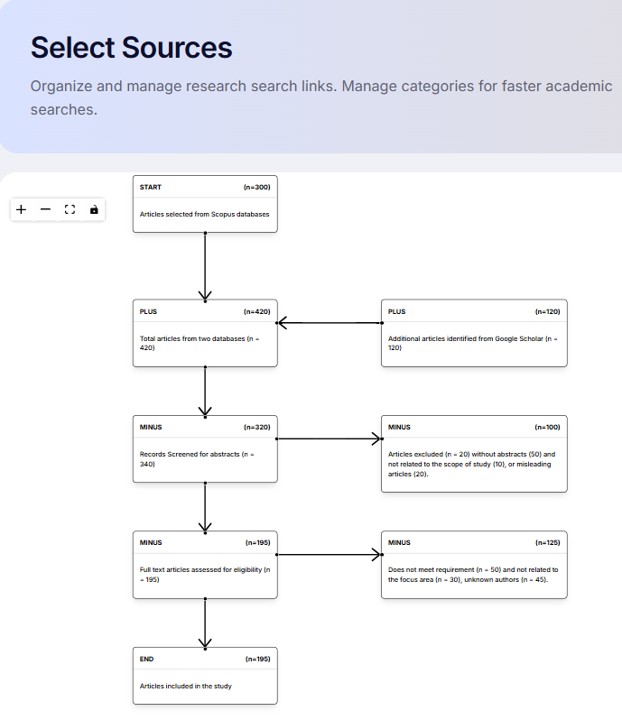
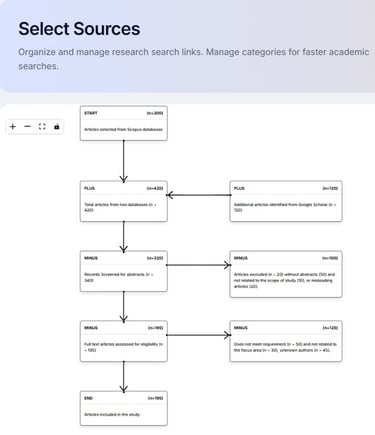
FEATURES (Select Sources)
This screening process applies strict, predefined inclusion and exclusion criteria to title, abstract, and full-text stages to isolate the required journal articles pertinent to the study.
HELP (Select Sources)
Purpose: Filter and choose the most relevant articles.
Action: Review abstracts, check relevance, and confirm credibility.
Outcome: A shortlist of suitable academic sources.
Next Step: Reference & Citations.
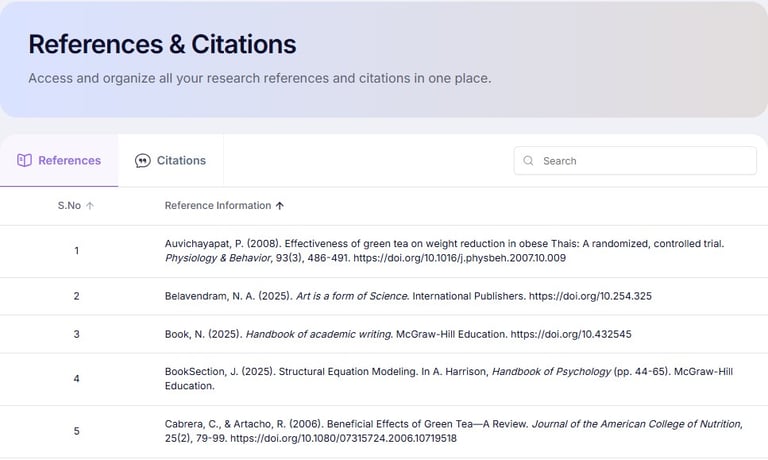
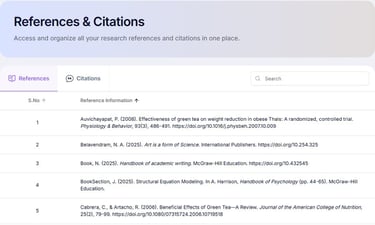
FEATURES (Reference & Citations)
This tab acknowledges intellectual property by embedding standard in-text markers and generating matching bibliographic lists, validating the researcher's evidence base while allowing peers to locate the original journal articles.
HELP (Reference & Citations)
Purpose: Identify List of References and format List of Citations.
Action: Insert in-text citations and generate reference list entries.
Outcome: Accurate and consistent referencing.
Next Step: SLR Stages.
FEATURES (SLR Stages)
This structured methodology guides researchers through planning, conducting, and reporting a review by defining protocols, screening studies against strict criteria, extracting data, and synthesizing findings to minimize research bias.
HELP (SLR Stages)
Purpose: Structure a Systematic Literature Review process.
Action: Define identification, screening, eligibility, and inclusion and exclusion stages.
Outcome: A documented review methodology.
Next Step: SLR Search.


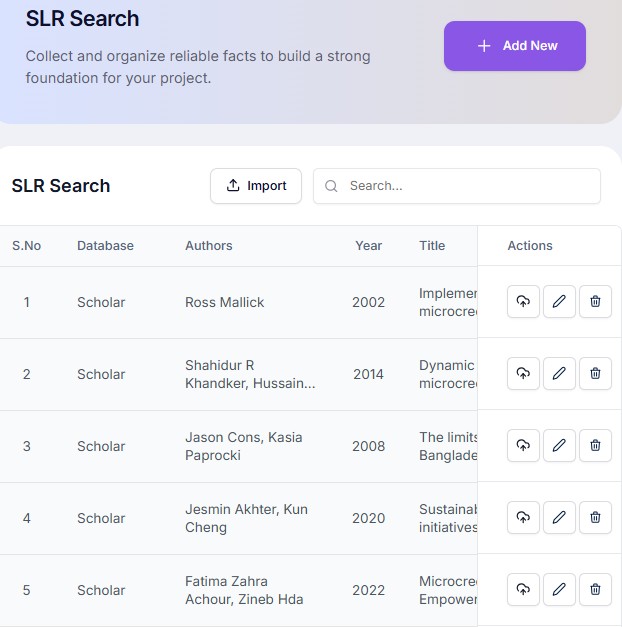
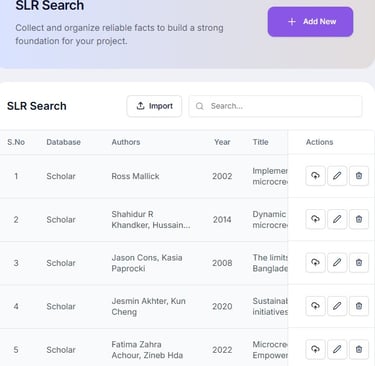
FEATURES (SLR Search)
This process executes comprehensive, reproducible queries across multiple academic databases using precise Boolean strings, keywords, and filters to capture relevant published studies addressing the core research question.
HELP (SLR Search)
Purpose: Record detailed search activities for review transparency.
Action: Search through databases, keyword, article title, abstract, and full text criteria used to find the relevant numbers of articles.
Outcome: A traceable and reproducible search record.
Next Step: SLR Chart.
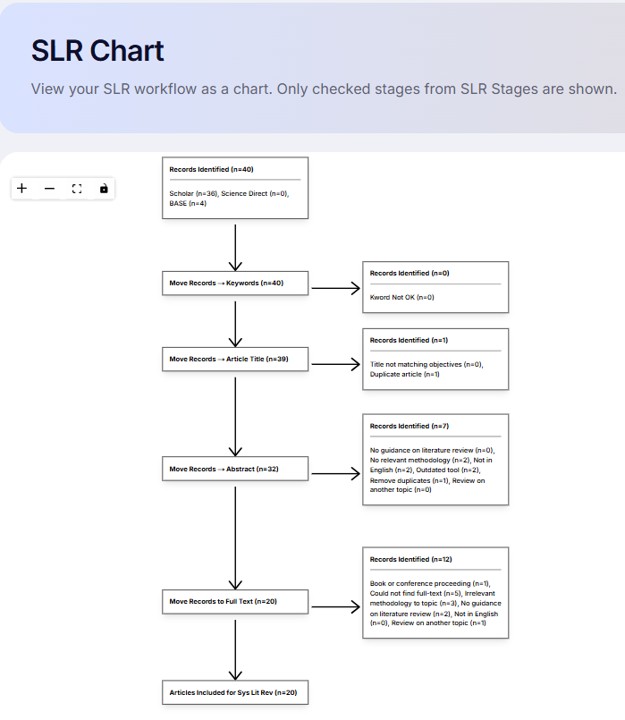
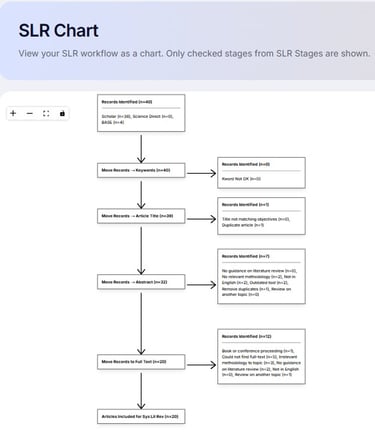
FEATURES (SLR Chart)
This visual tool maps study data, by tracking records that are progressively eliminated from the total list of articles so that only relevant articles are retained for the study.
HELP (SLR Chart)
Purpose: Visualize the selection process of sources.
Action: Generate charts showing inclusion and exclusion criteria.
Outcome: A clear graphical summary of the review process.
Next Step: Reports.
FEATURES (Reports)
Select and preview contents that can be exported to Word with table of contents, list of tables, list of figures, bibliography.
HELP (Reports)
Purpose: Compile references, and review outputs into structured project output.
Action: Compile contents into formal report format.
Outcome: A formatted research report ready for review or submission.
Next Step: LR module.

